



 DailyPay Platform
 Small Business
 Cycle
Cycle Tips
Tips  Perks
Perks 










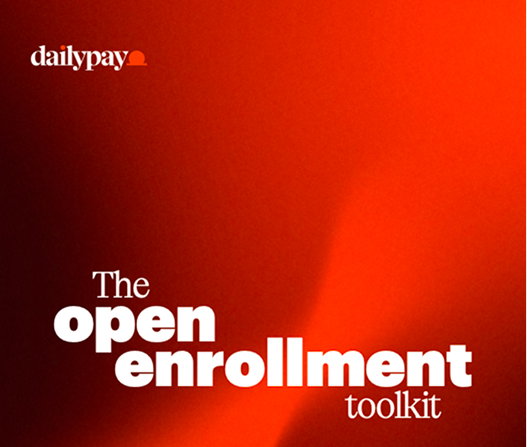
Get started with your Open Enrollment Toolkit
Make the most of open enrollment by highlighting DailyPay as a key employee benefit. This is the perfect time to show how DailyPay can help your employees with both their immediate and long-term financial goals. Use this toolkit and the included resources to easily promote DailyPay during this crucial benefits period.


Get the Open Enrollment Toolkit
Help your employees understand how DailyPay can directly support their financial well-being, from immediate expenses to long-term goals. Download our toolkit for an easy, guided promotion during this important time.
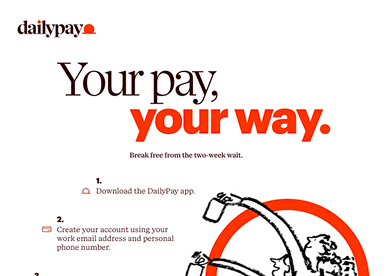
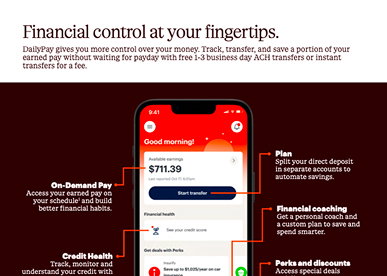



Packet Insert
Include this ready-to-use insert in your open enrollment packet to highlight the value of DailyPay and drive enrollment among eligible employees.
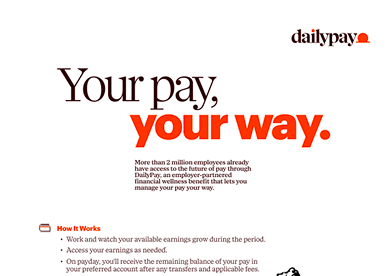
Employee SMS and Email Templates
Utilize these templates to directly communicate the value of DailyPay via text message, email, and intranet.
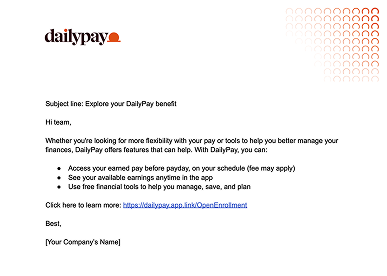
Email Template - Option 1
Step 1: Preview email
Review the email exactly as your employees will receive it.
Step 2: Copy email content
Select ‘Copy to Clipboard’ within the preview modal to copy and paste it into your email editor.
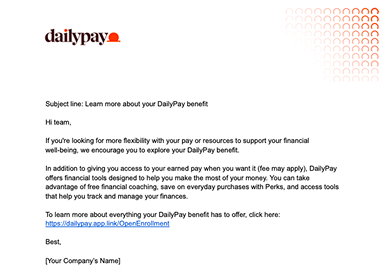
Email Template - Option 2
Step 1: Preview email
Review the email exactly as your employees will receive it.
Step 2: Copy email content
Select ‘Copy to Clipboard’ within the preview modal to copy and paste it into your email editor.
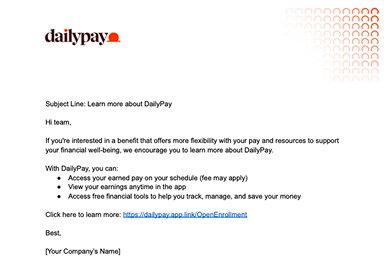
Email Template - Option 3
Step 1: Preview email
Review the email exactly as your employees will receive it.
Step 2: Copy email content
Select ‘Copy to Clipboard’ within the preview modal to copy and paste it into your email editor.
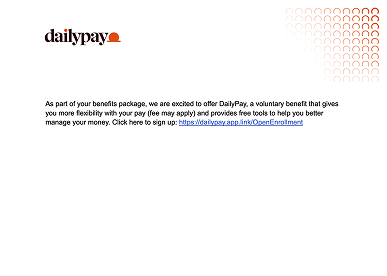
SMS Template - Option 1
Step 1: Preview SMS
Review the SMS exactly as your employees will receive it.
Step 2: Copy SMS content
Select ‘Copy to Clipboard’ within the preview modal to copy and paste it into your SMS or intranet editor.
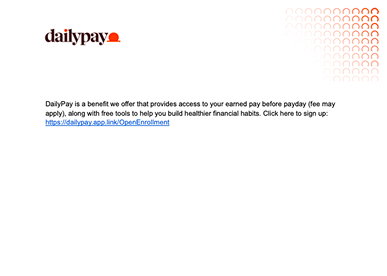
SMS Template - Option 2
Step 1: Preview SMS
Review the SMS exactly as your employees will receive it.
Step 2: Copy SMS content
Select ‘Copy to Clipboard’ within the preview modal to copy and paste it into your SMS or intranet editor.
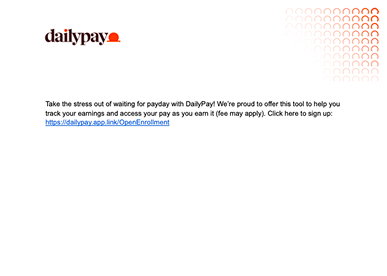
SMS Template - Option 3
Step 1: Preview SMS
Review the SMS exactly as your employees will receive it.
Step 2: Copy SMS content
Select ‘Copy to Clipboard’ within the preview modal to copy and paste it into your SMS or intranet editor.
Need additional resources?
Please contact your client success manager to discover other ways DailyPay can help prepare you for the open enrollment season.

Client Support
Get the answers to the most commonly asked questions about DailyPay products and features.